
Seventh Generation
Store locator tool
Seventh Generation needed a mobile-first design for a store locator tool to help users find specific Seventh Generation products near them. The new locator provides a seamless responsive experience and incorporates permission-based geolocation.
User Experience Design: Susy Mason
Digital Design: Susy Mason

Project Goals and Objectives
PRIMARY ISSUES
—01—
- Not responsive- separate mobile application
- Bad UX
- No analytics
- Not supporting geo-location
OBJECTIVES
—02—
- Reduce # of clicks to find items in stores near the user
- streamline UX
- Optimize for mobile
- Support specific product as well as global searches
- Make more engaging and on-brand
- Gather usage data / analytics
KPIs
—03—
- Increase of product specific searches
- Reduce time-in-app to find what you need
Old, Non-Responsive Design
- 1 -

- 2 -

- 3 -

- 4 -

- 5 -

Pencil sketches and wireframing
Wireframing allowed me to translate high-level business requirements into sketches to determine the most engaging interface for different content types, messaging, functionality, and goals. I started with pencil to quickly eliminate less desirable approaches and identify what works best. I then moved to interactive wireframes to test drive the interface and get a better sense of the user journey.

Static Wireframes
- 1 -

- 2 -

- 3 -

- 4 -

- 5 -

- 6 -

Static Wireframes High Fidelity
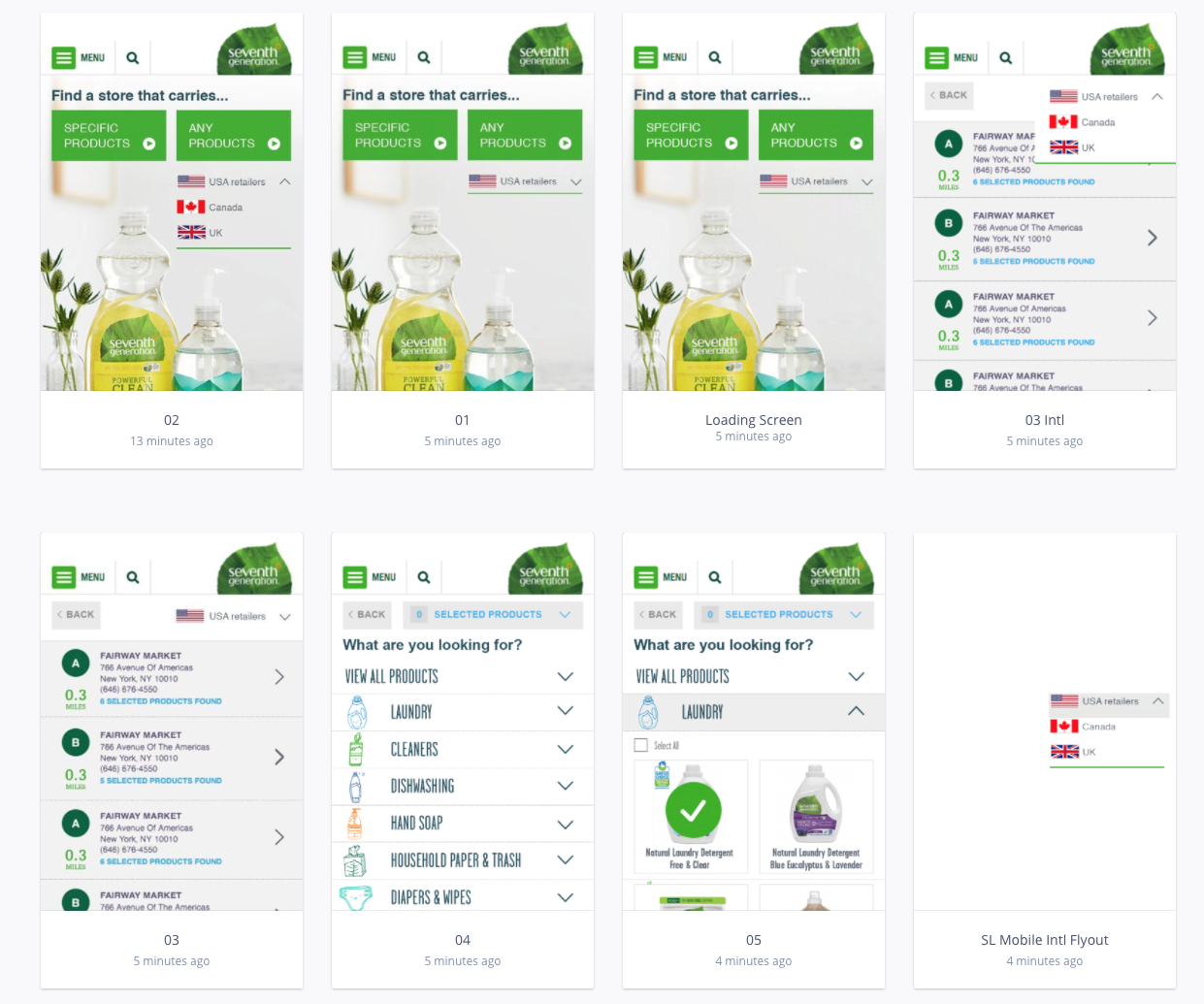
Interactive Wireframes High Fidelity
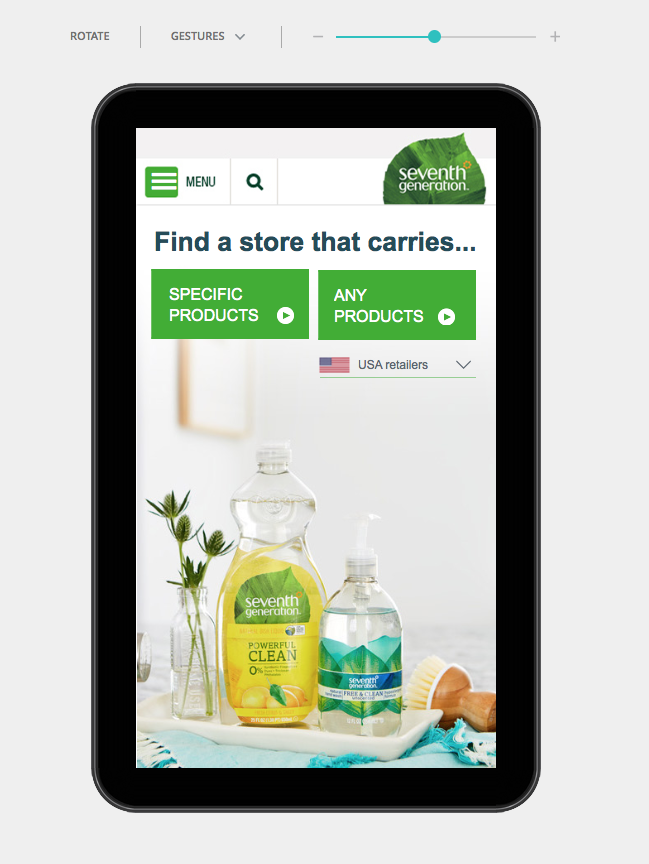
Finished Store Locator

Streamlined UX and increased efficiency
The solution provides a streamlined user experience that decreased the number of clicks, inputs and time it takes for a consumer to find Seventh Generation products by location. The new interface greatly simplifies searches for specific products, helping consumers more easily locate exactly what they are looking for.
Integration with Google Maps helps with hands-free GPS navigation.
HERstudio
Herstudio is owned by Susy Mason, a web and UX designer and brand strategist. She has a passion for bringing clarity to business, simplifying the complex and making all things on the web beautiful and enjoyable to use.

© Copyright 2026, All rights reserved |Site Map